Create a Free RSVP Form
Pick your event type and a design below, and you will land in the builder with that theme ready to go. Free for up to 15 responses, shared as a short link or a QR code. Your guests never need an app, an account or a Google login.
Start your form
Choose your event type and a design to start from. You will land in the builder with that theme already applied — then you pick the questions you want to ask.
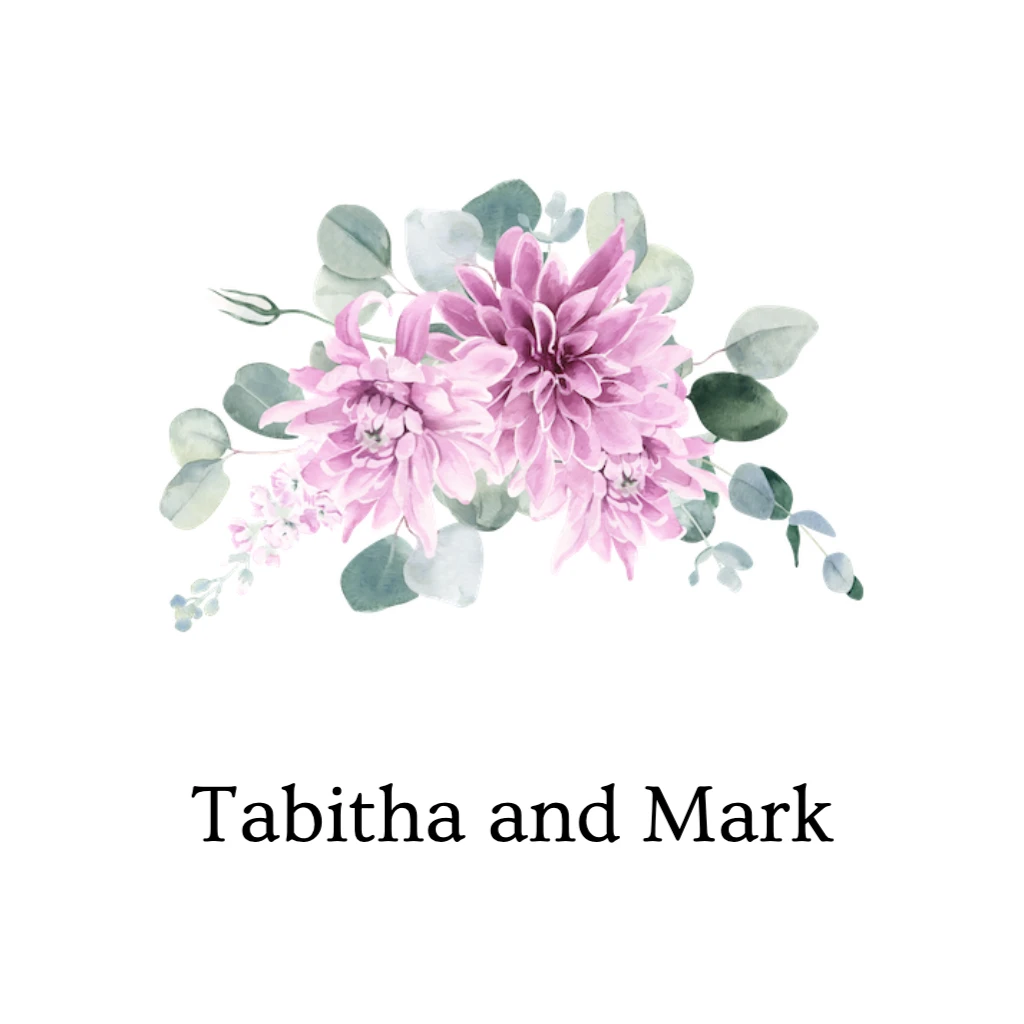
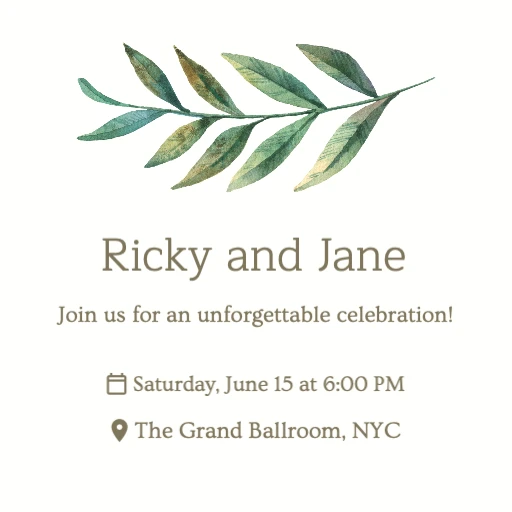
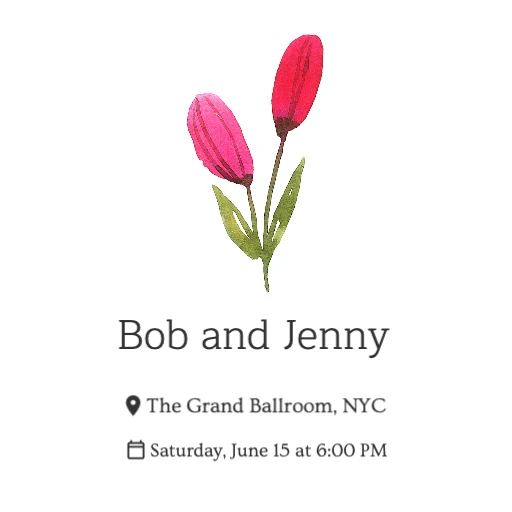


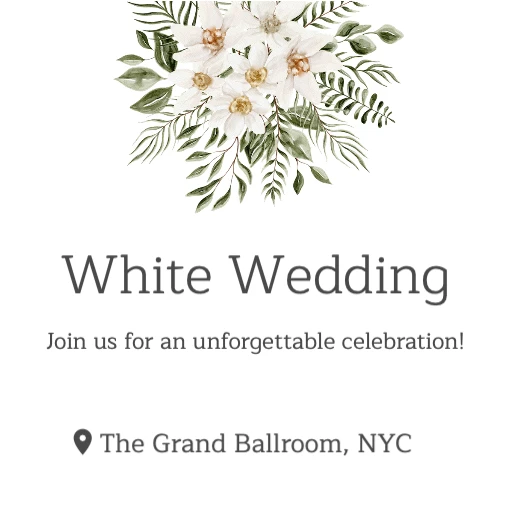



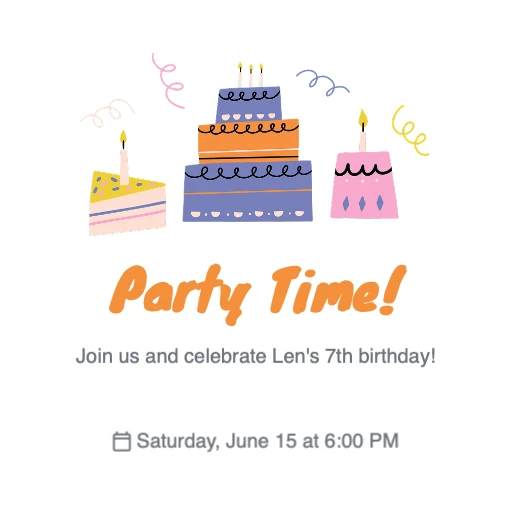







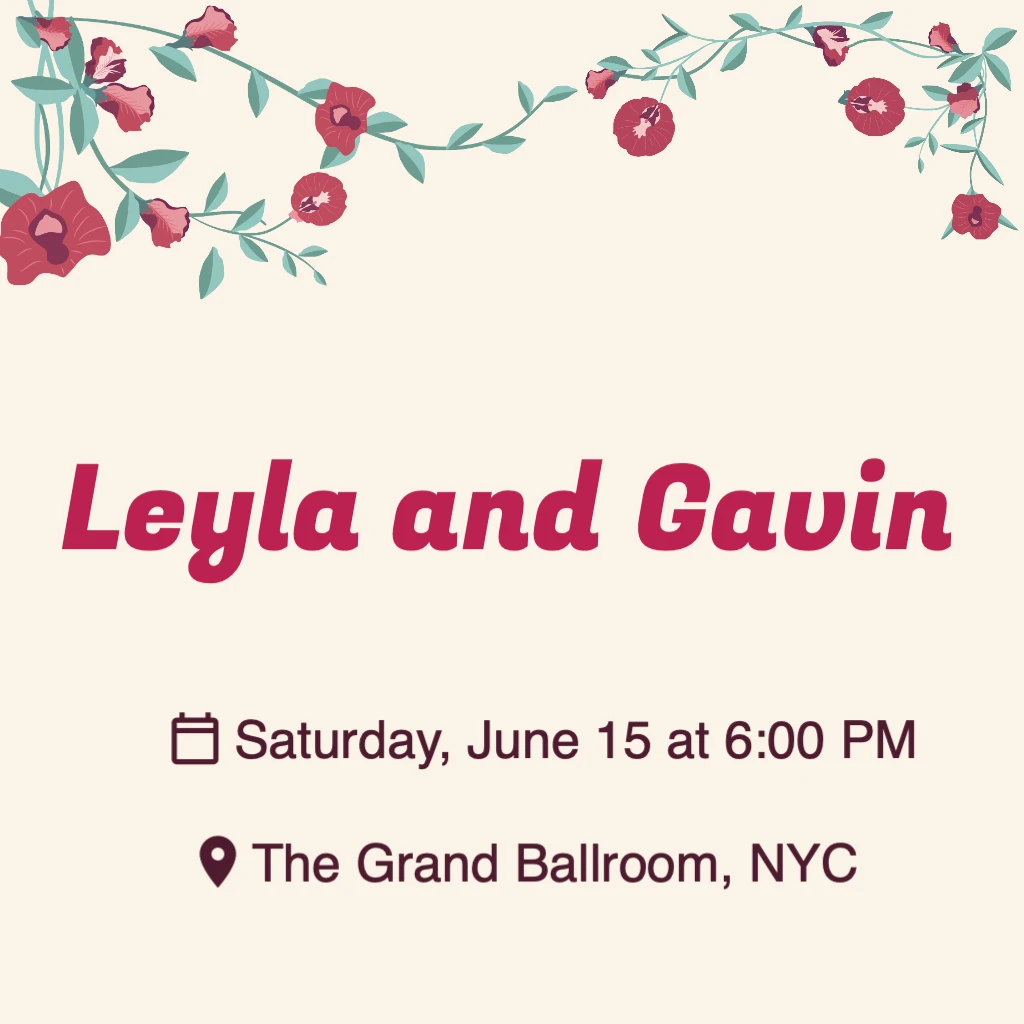








Free for up to 15 responses. Every free event gets a short link and a QR code — a custom link is part of the $15 one-time upgrade.
What is an RSVP form?
An RSVP form is an online form guests fill in to say whether they are coming to your event. It collects their name, a yes or no answer, and any extra details you need — guest count, meal choice, dietary notes.
You send guests one link instead of chasing replies across text messages, email and social media. Every answer lands in the same place, already counted, so at any moment you know your headcount and who has not replied yet. It usually sits on its own page — a small free RSVP website with your event details at the top and the questions underneath.
How to create an RSVP form
- Choose your fields above. Name and attending yes/no are essential — add guest count, meal choice or dietary notes only if you will actually use them.
- Add your event details: title, date, time and location. Guests see these at the top of the form, so they never have to ask you.
- Save the form. RSVP.link publishes it as its own page and gives it a short link and a QR code straight away.
- Share the link by text, email or WhatsApp, or print the QR code on a paper invitation. Guests tap it and reply.
- Watch replies arrive in your dashboard. Export everything to CSV whenever you need a headcount or a caterer's list.
The whole thing takes about a minute, and you can edit the questions after you have shared the link — the link keeps working.
What should be in an RSVP form?
Keep it short. Every extra question costs you replies. These are the seven fields that earn their place, roughly in the order they should appear:
- Name — who is replying. Ask for a full name if two guests share a first name.
- Attending, yes or no — the one question you cannot leave out. Make declining as easy as accepting, or people who cannot come will simply never reply.
- Number of guests — how many people are in this reply, including the person filling it in. This is the number your caterer and your venue actually need.
- Meal choice — only if you are serving a plated meal. Offer three or four options and one of them vegetarian.
- Dietary notes — a free-text box for allergies and restrictions. Never a dropdown; you will not guess every allergy.
- Song request — optional, but it gets people to open the form and it builds your playlist for free.
- Message to the host — a place for “congratulations” and for “we will be an hour late”. Read these before the day.
What to leave off: anything you can look up yourself, anything you will not read, and anything you would feel odd storing. Postal addresses, ages and phone numbers are usually all three.
RSVP form templates and examples
Five field sets that work, one per occasion. Load any of them into the builder above to see the finished form, then change whatever you like — these are starting points, not rules.
Wedding RSVP form
Plated meal, plus-ones, evening playlist
- Your full name
- Will you be attending?
- How many people, including you?
- Meal choice
- Allergies or dietary requirements
- Song request
Baby shower RSVP form
Small guest list, buffet, notes for the parents
- Your name
- Can you make it?
- How many people, including you?
- A message for the parents-to-be
Birthday party RSVP form
Casual, no seating plan, music matters
- Your name
- Are you coming?
- How many people, including you?
- Song request
Corporate event RSVP form
Catered, badge list, dietary compliance
- Your full name
- Will you be attending?
- Meal choice
- Allergies or dietary requirements
Graduation RSVP form
Limited seats, family groups, open house
- Your name
- Can you make it?
- How many people, including you?
- A message for the graduate
The two-question form
The shortest form a guest can answer
- Your name
- Are you coming?
Use this when you only need a headcount. Fewer questions means fewer half-finished replies.
Every one of these is the same free RSVP form template underneath — the difference is only which questions you switch on.
Event RSVP form
An event RSVP form has one job the party version does not: it has to survive being forwarded. Someone will paste your link into a company newsletter, a community group or a Slack channel, and people you have never met will open it. So an event RSVP form template should carry the full event details on the page itself — date, start time, venue address, and a line about parking or the nearest station — rather than assuming everyone has already read the invitation.
For conferences, launches, fundraisers and team offsites, ask for a full name, a yes or no, and dietary requirements if you are serving food. Skip guest count unless plus-ones are genuinely allowed; if they are, cap the dropdown at the number you can seat. Export to CSV and you have your badge list, catering numbers and final headcount in one file. A free event accepts 15 responses; the $15 one-time upgrade takes it to 1,000 (see pricing).
Wedding RSVP form
A wedding RSVP form is the one case where the extra questions are worth it, because your caterer and your seating plan both depend on the answers. Ask for the full name of everyone in the party, not just the person replying — “the Bennetts, 4 people” is not enough to write place cards from. Add the meal choice, a free-text box for allergies, and a song request if you want your playlist to build itself.
Two things reliably improve wedding reply rates: put the RSVP deadline on the form itself, and make “sorry, can't make it” a single tap. If you are planning the whole thing, our wedding RSVP page covers the wording, the timeline and the themes as well as the form.
RSVP form vs Google Forms
Google Forms is free, familiar and drops every reply into a spreadsheet, which is why so many people start there. Where it struggles is that a Google Form is a form and nothing else — no page for guests to read the invitation on, no reminders, and no automatic plus-one maths.
| What you need | Google Forms | RSVP.link |
|---|---|---|
| A page guests can read the invitation on | Only the form description field | A full event page above the form |
| Plus-one and guest counts | Tallied by hand in the spreadsheet | Counted for you |
| Short link to share | A forms.gle link — short, but not memorable | A short rsvp.link URL, customisable on premium |
| QR code for printed invitations | Not built in | Generated automatically |
| Guests without a Google account | Fine, unless you restrict the form — then they hit a sign-in wall | Always fine; no account of any kind |
| Design | Header image, one colour, a few fonts | Full theme gallery and cover image on premium |
| Cost | Free with a Google account | Free to 15 responses, then $15 once per event |
If you would rather stay in Google, that is a perfectly reasonable choice — we wrote a full RSVP Google Form template and setup guide that walks through every question type to pick.
How do you RSVP for an event?
If you are the guest, not the host: RSVP means the host is asking for an answer, and they need it whether the answer is yes or no. Reply as soon as you know, and by the method the invitation asks for.
- Open the RSVP link or scan the QR code on the invitation. Nothing to install, and no account to create.
- Answer yes or no. If you cannot come, say so — that is still an RSVP, and it is the one hosts wait longest for.
- Say how many people are coming with you. Do not add guests the invitation did not name.
- Fill in meal choice and dietary notes if asked, then send. That is the whole thing.
Treat the reply-by date as a real deadline — caterers and venues usually need final numbers a week or two before the event. If your plans change afterwards, tell the host directly.
Frequently asked questions
Start your RSVP form
Free for up to 15 responses, no ads, and nothing for your guests to install.
Create your free RSVP formMore: free RSVP website · wedding RSVP · baby shower RSVP · RSVP Google Form template · pricing