








Retirement Party RSVPs Made Easy

Give them the send-off they deserve. Create a polished retirement party RSVP page to collect attendance confirmations, meal selections, and heartfelt messages. All with one link that's easy to share with colleagues, friends, and family.

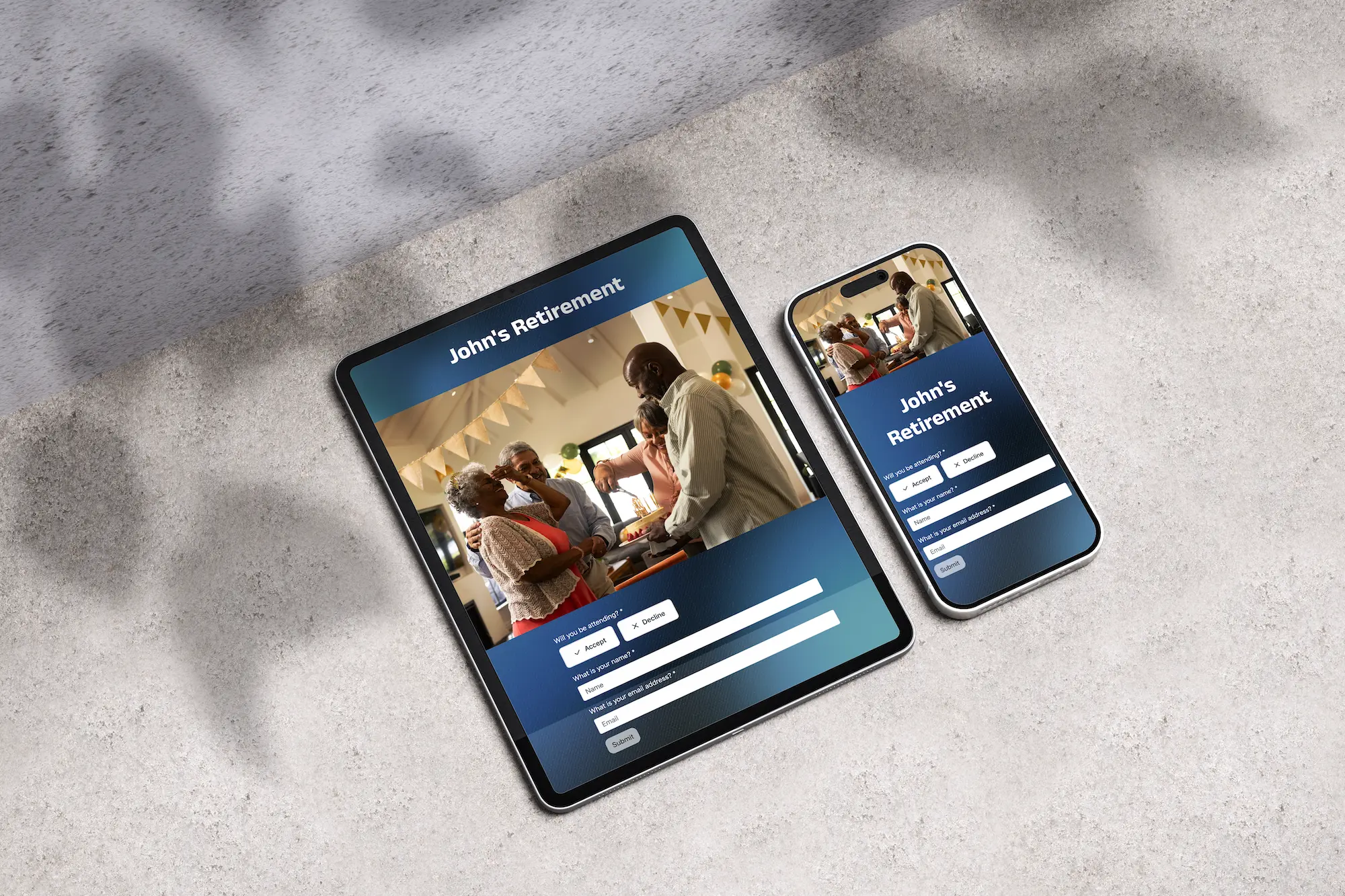
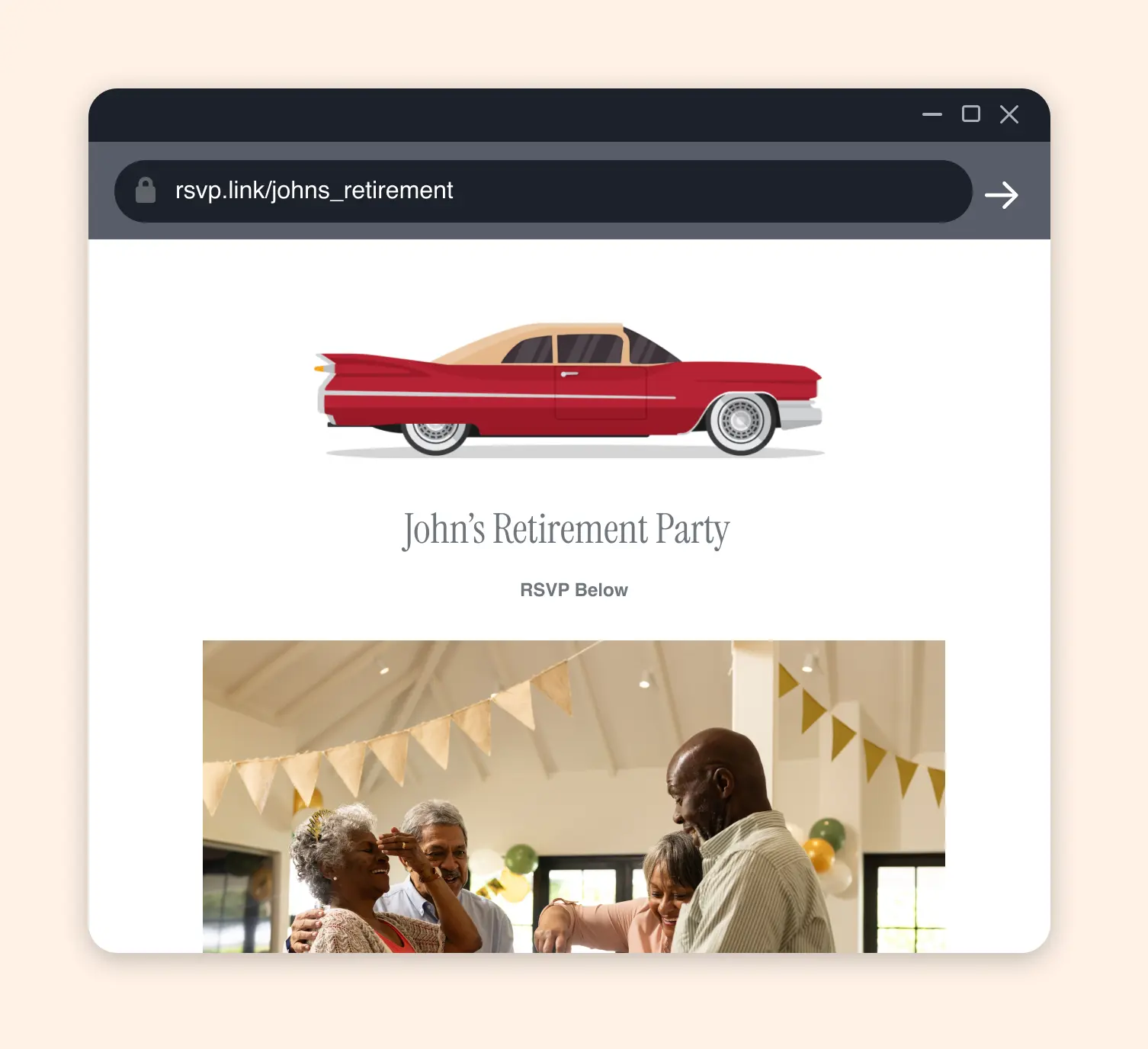
Retirement rsvp form with a custom theme.
A retirement party marks the end of a career and the beginning of something new, it's one of the most meaningful celebrations you can organize for someone. Whether it's a formal dinner hosted by the company, a casual gathering organized by coworkers, or a surprise party pulled together by family, getting the details right matters. But coordinating a guest list that spans coworkers, management, family, and old friends across different circles can get messy fast. A dedicated RSVP page gives everyone one clean link to confirm attendance, share dietary needs, and even leave a personal message for the retiree, no matter which part of their life they're coming from.

Retirement Party Themes

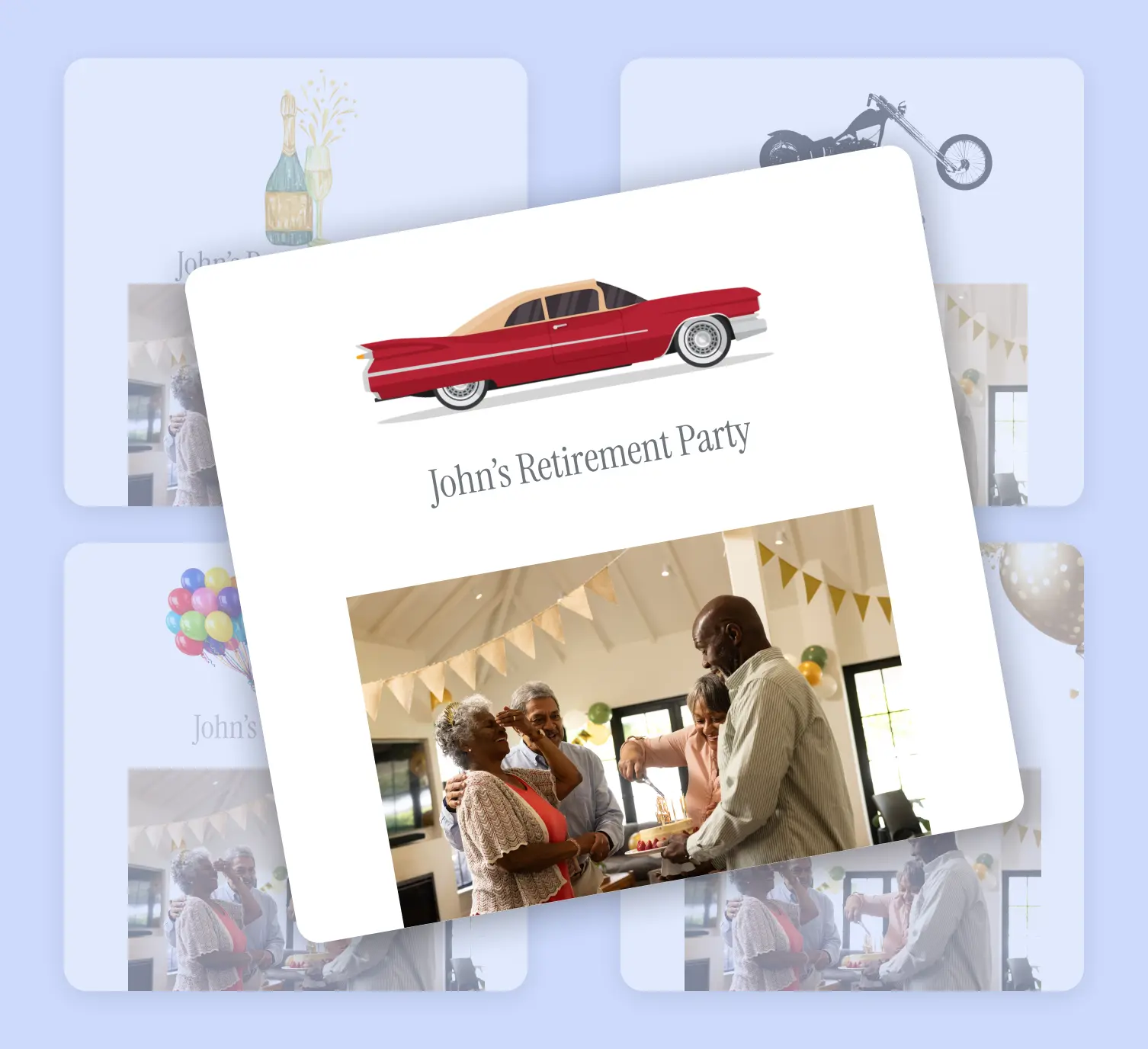
Sophisticated, celebratory designs for a well-earned milestone.

How It Works

Chose your retirement rsvp form theme.
1

Choose a Theme

Pick a design that matches the tone of the celebration — formal and elegant for a company dinner, relaxed and warm for a backyard gathering, or something bold and fun for a surprise party.

Customize Your RSVP form questions.
2

Add Your Event Details

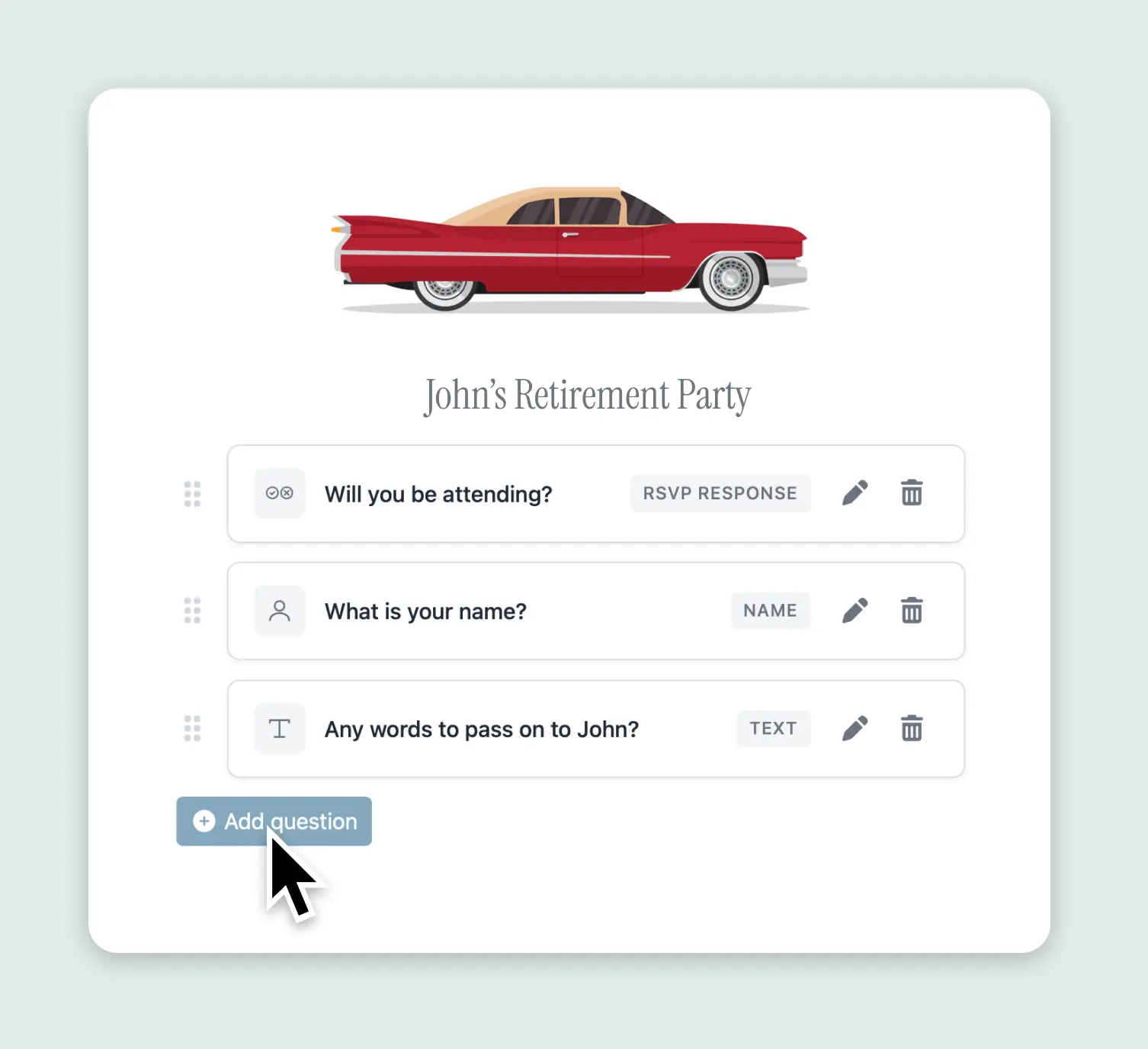
Add the date, time, and venue. Include custom questions like meal preference, dietary restrictions, whether they'd like to give a toast, or a prompt to share a favorite memory or message for the retiree.

Share your retirement party rsvp link.
3

Share the Link

Send the RSVP link to the guest list via email, team Slack channel, group text, or a printed card. One link works for everyone — coworkers, family, and friends from every chapter of their career.

Track your retirement party rsvp guest list.
4

Track Responses

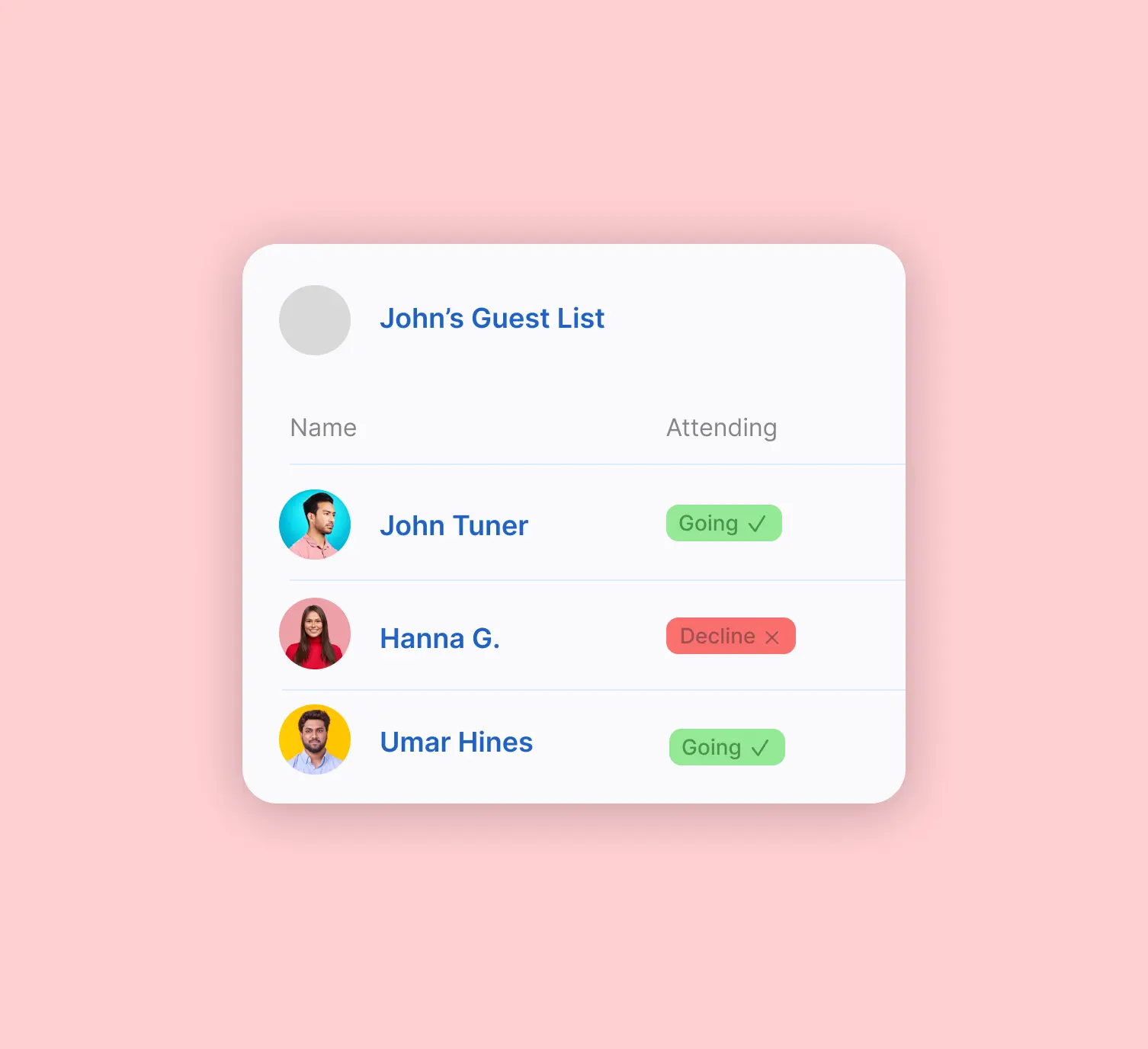
See who's confirmed, review meal selections, read the tribute messages, and export your guest list. Get email notifications as responses come in so you always have an accurate headcount for the venue or caterer.

Built for Retirement Celebrations

Practical features that make planning a send-off simple

Tribute Messages & Memories

Add a text field question where guests can share a favorite memory, a congratulations message, or career highlight. Collect them all in one place and compile them into a keepsake for the retiree.

Meal & Dietary Collection

Whether it's a catered office party or a restaurant dinner, collect meal preferences and dietary restrictions ahead of time so nothing gets missed.

Works Across Every Circle

The retiree's guest list often spans decades of relationships — current colleagues, former coworkers, management, family, old friends. One RSVP link works for all of them, no matter how they receive it.

Why Use RSVP.link for a Retirement Party

Retirement backyard party.
  • More professional than passing around a sign-up sheet or sending a mass email with "reply all" chaos
  • Guests respond in seconds — no account, no app, no confusion
  • Collect meal choices, tribute messages, and toast sign-ups in one form
  • Shareable link works across every channel — email, Slack, text, print
  • Perfect for both company-organized events and surprise parties planned by friends or family
  • Simple one-time fee for premium features — no corporate procurement headaches

Retirement Party RSVP FAQs

Yes. Create a free retirement party RSVP and upgrade anytime for premium features like a custom link, premium themes, and room for up to 1,000 responses.
No. Guests click the link and respond immediately — no sign-up, no app download, no barriers. This is especially important for retirement parties where guests span all ages and levels of tech comfort.
Yes. Add a long text field question like "Share a favorite memory or message for [name]" and guests can write their tribute when they RSVP. You can compile these into a card, book, or slideshow for the retiree.
Absolutely. The short link works anywhere — paste it into an email, drop it in a Slack channel, add it to a calendar invite, or include it on a printed announcement. It works on any device.
Common choices include attendance confirmation, meal preference, dietary restrictions, plus-one confirmation, whether they'd like to give a toast or speech, and a tribute message or memory for the retiree.
Yes. Only the person who created the event can see the dashboard and responses. Share the RSVP link only with those in on the surprise — the retiree won't see anything unless you share your login.
A flat rate of $11 USD per premium event. No subscriptions, no per-guest fees, no corporate approval process needed.
Currently one account manages each event. The organizer can share the dashboard by logging in from any device, or export the guest list as a CSV to share with co-organizers.
Yes. Update details, add questions, or change the theme anytime. Existing responses stay intact.

Start Your Retirement Party RSVP Today

Create a polished retirement party RSVP page in minutes.

Get Started Free