









Corporate Event RSVPs, Without the Email Chase

Send a clean, branded RSVP link for your company holiday party, all-hands, offsite, or client event. Track headcounts, dietary needs, and plus-ones from one dashboard. No logins, no spreadsheets, no follow-up emails to thirty people.

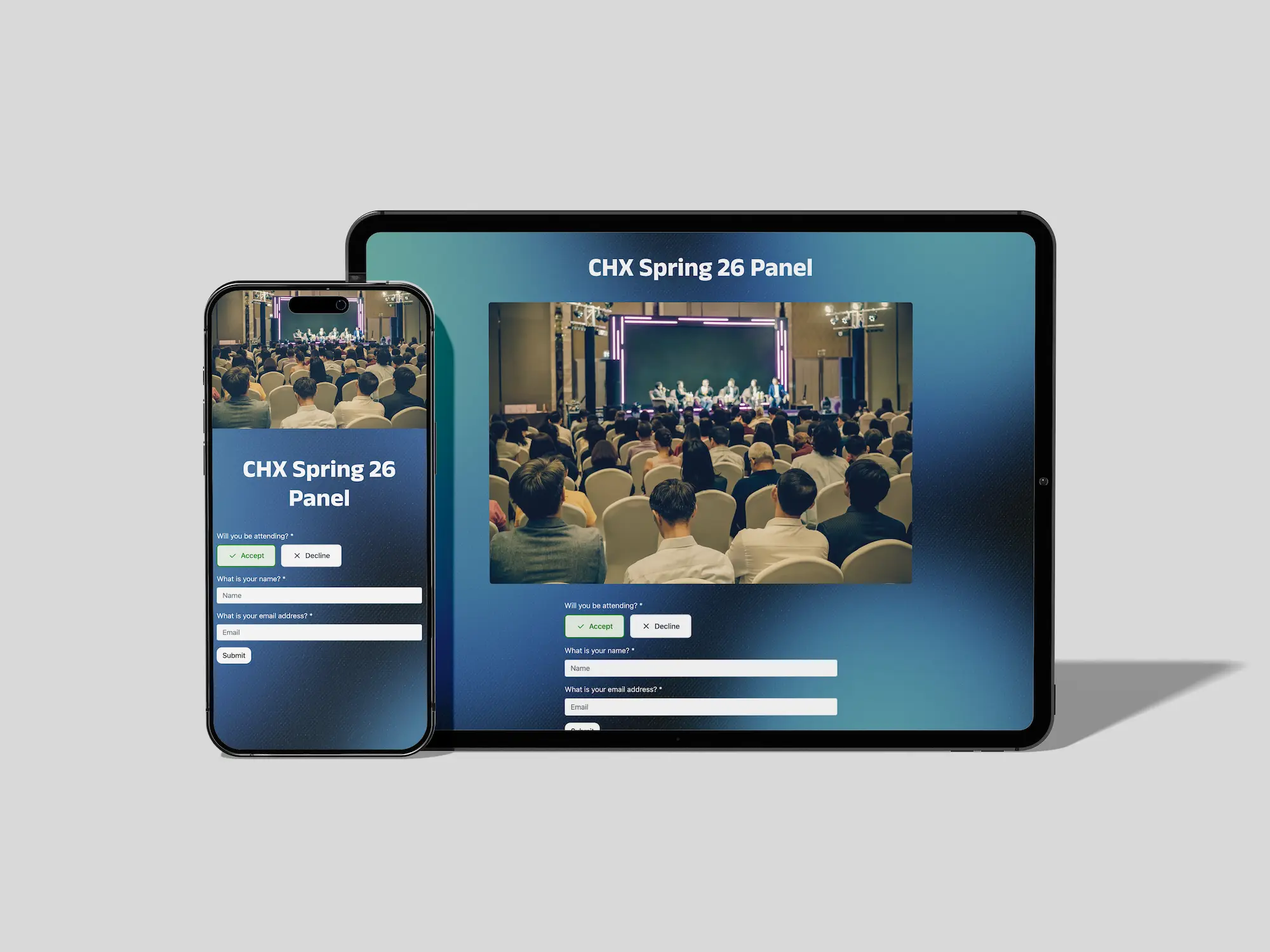
Corporate event rsvp form on mobile and desktop.
Corporate events live and die by the headcount. Caterers need numbers a week out, venues need them earlier, and the difference between 80 and 110 attendees is the difference between a smooth event and a logistical scramble. The hard part isn't sending the invite, it's collecting clean responses from busy people who treat your email like every other internal announcement. RSVP.link gives you a dedicated page with a short, professional link your team will actually click, plus the custom questions you need to plan properly: dietary restrictions, plus-ones, team or department, session preferences. Responses land in a real-time dashboard you can hand to your caterer or share with the venue. No accounts, no software for your guests to learn, no chasing.

Professional Themes for Every Kind of Company Event

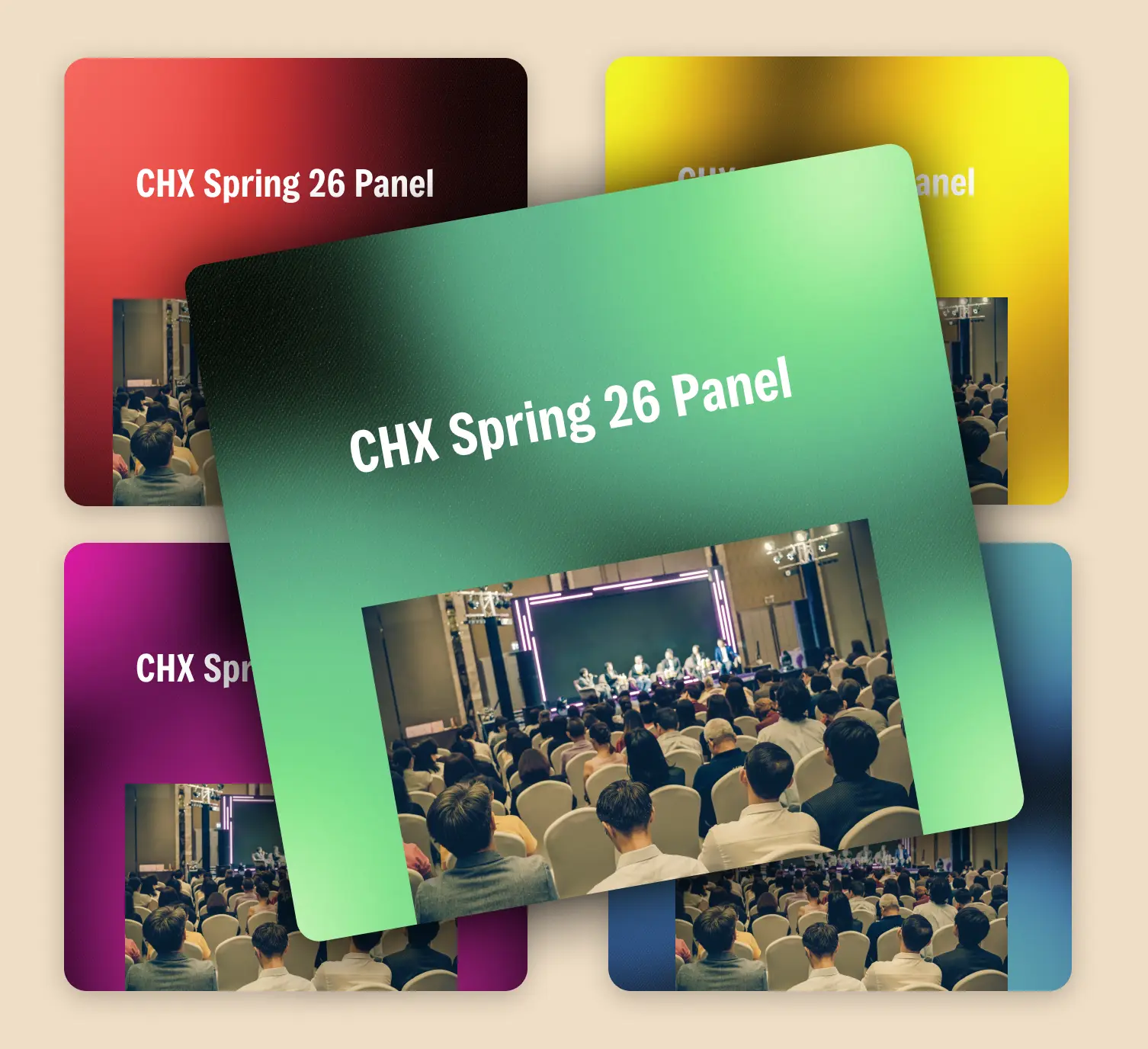
Pick a theme that fits the occasion. Polished and modern for an all-hands, festive for a holiday party, relaxed for an offsite. All 169 themes are hand-designed and look sharp on mobile.

How It Works

Choose a corporate rsvp theme.
1

Choose a Theme

Pick from hundreds of hand curated designs. For an executive offsite or board dinner you might choose something minimal and modern; for the holiday party, something seasonal and warmer. Premium themes are unlocked with the one-time upgrade.

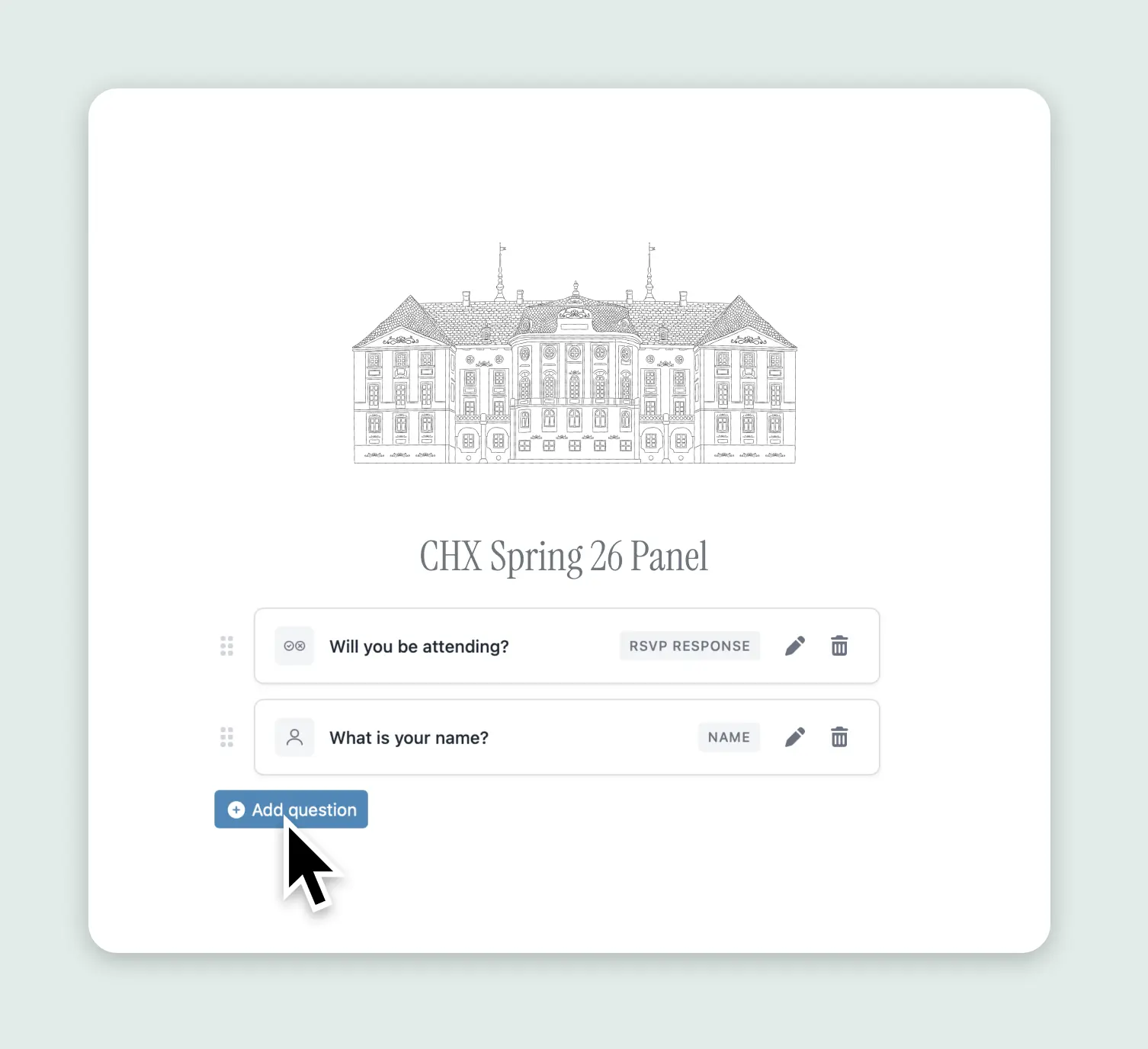
Customize your corporate rsvp questions.
2

Customize Your RSVP

Add the event details: date, location, dress code, parking instructions, agenda. Add custom questions for what you actually need: dietary restrictions, team or department, plus-one yes/no, breakout session preferences, or shirt size for offsite swag.

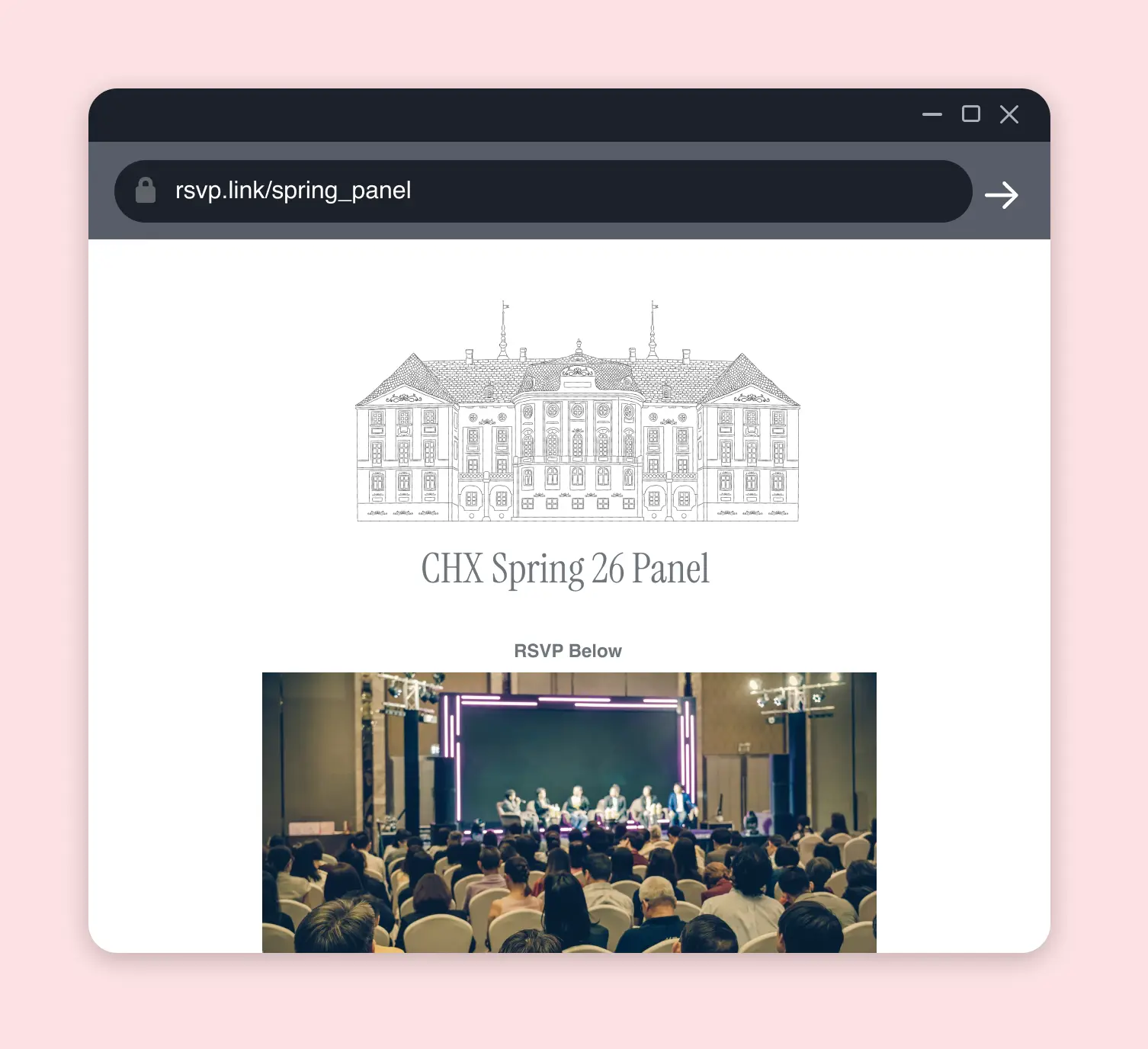
Share your corporate event rsvp link.
3

Share the Link

ou get a custom short link like rsvp.link/acme-holiday-2026 to drop into your email blast, Slack announcement, or printed invitation. No logins for your guests — they tap the link, fill out the form, done.

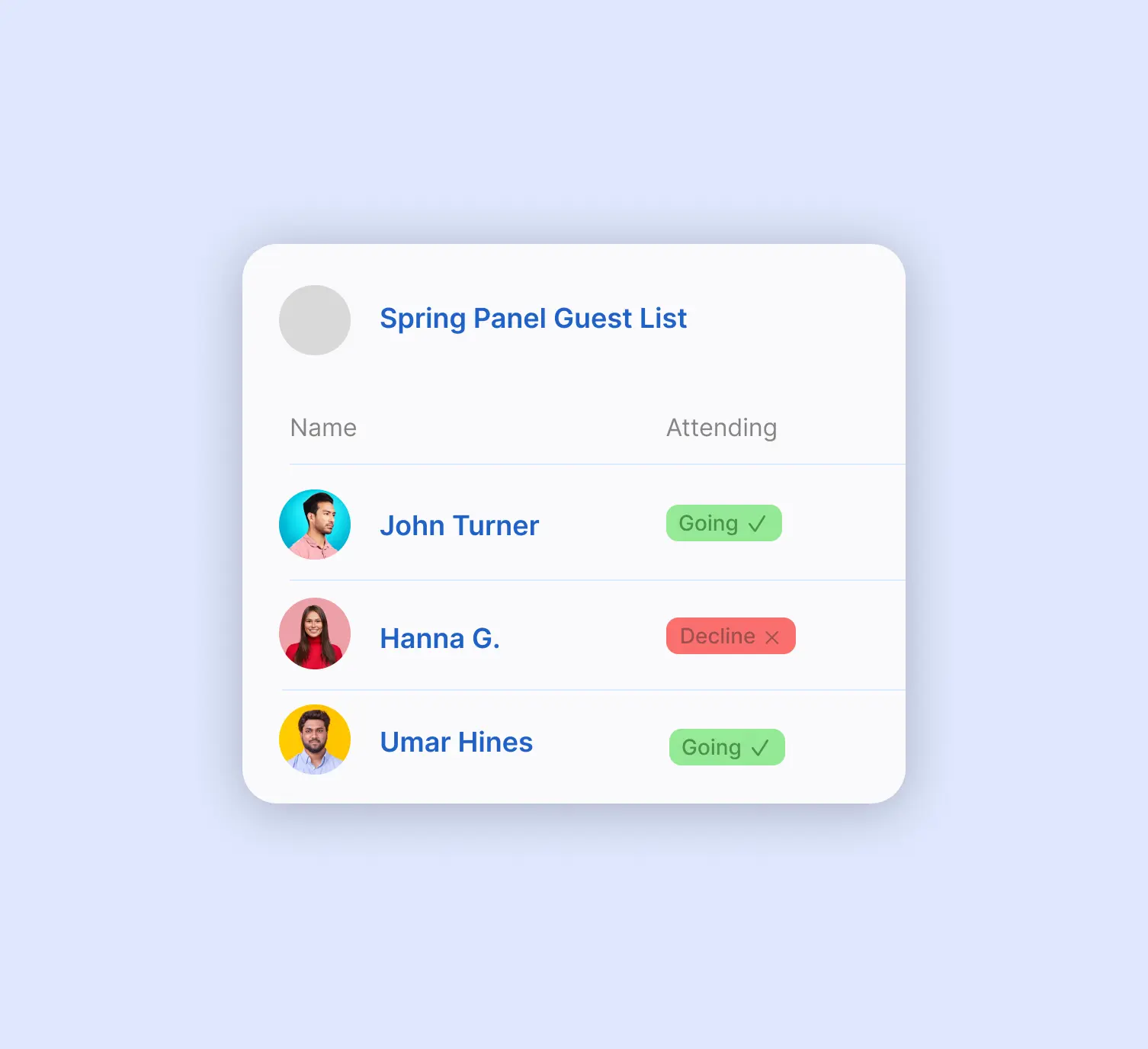
View your corporate rsvp guest list.
4

Track Responses

Watch responses come in from a single dashboard. Filter by department, count meal preferences for the caterer, see who hasn't responded yet, and export a clean guest list when you need it for the venue or name badges.

Why Choose RSVP.link

Dietary Restrictions & Meal Preferences

Add a meal selection question (vegetarian, vegan, gluten-free, halal, kosher, allergies) and your caterer gets exact counts instead of estimates. For plated dinners, collect entrée selections per guest. No more reading through email replies trying to tally chicken vs. fish.

Custom Questions for Departments, Sessions, and Plus-Ones

Corporate events come with logistics other RSVPs don't have. Add questions for which department or office someone's from, which breakout sessions they want to attend, whether they need parking, or whether they're bringing a partner. All of it lands in one place, sortable and exportable.

Real-Time Headcount Dashboard

The dashboard updates as responses come in, so you always know where you stand. Pull current counts before your weekly meeting with the caterer, share filtered views with the venue contact, or check who's still outstanding before sending a reminder.

Why RSVP.link Works for Corporate Events

People enjoying a corporate party.
  • No accounts for your guests. Your employees and clients won't sign up for another tool, log in, or download an app. They tap the link, fill out the form, done.
  • Looks professional, not generic. A custom short link like rsvp.link/acme-2026-offsite reads better in an email than a string of random characters from a generic invite tool.
  • Built for the real questions corporate events ask. Dietary needs, plus-ones, departments, session selection — all configurable in the form.
  • Headcounts you can actually share. Export a clean guest list for the caterer, venue, or whoever needs it without exporting a tangled spreadsheet from your inbox.
  • One-time fee, no subscription. $11 USD covers up to 1,000 responses for a single event. No annual seat licenses, no procurement approval, no per-attendee pricing.
  • Free for smaller team events. Up to 15 responses on the free tier — enough for a department dinner, leadership offsite, or small client meeting.

Frequently Asked Questions

Yes — the free tier handles up to 15 responses, which works for smaller team dinners, leadership meetings, or boutique client events. For larger corporate events, the one-time $11 USD premium upgrade unlocks up to 1,000 responses, custom links, and premium themes.
No. Your employees, clients, and guests just tap the link and fill out the form. There's no signup, no login, no app to download. This is one of the main reasons corporate event coordinators choose RSVP.link over heavier event platforms.
Beyond the standard "are you attending" and guest name, the most useful corporate-event questions are: dietary restrictions or meal selection, plus-one yes/no, department or office, shirt size (for offsites with swag), parking needs, and breakout session preferences if it's a multi-track event. You can customize all of these on your RSVP form.
Premium is a one-time $11 USD payment per event. No subscriptions, no recurring charges, no per-attendee fees. It unlocks custom short links, premium themes, and up to 1,000 responses for that event.
Yes. Add a custom question for dietary needs (with options like vegetarian, vegan, gluten-free, halal, kosher, allergies) or a meal selection question if you're doing plated service. Counts and individual selections are visible in the dashboard so you can hand exact numbers to the caterer.
Yes. For holiday parties and client events you might allow plus-ones; for all-hands or training offsites, you wouldn't. Configure plus-one as a custom question (or leave it off entirely) on a per-event basis.
Yes — add a custom question for department, team, or office location. The dashboard lets you filter and group responses, which is useful for tracking representation, planning seating, or pre-printing name badges.
You can include a deadline on your invitation copy and in the form description. The form stays live until you close it, so for events with hard cutoffs, just close the page after the deadline. Responses you've already received remain accessible in your dashboard.
Yes, premium covers up to 1,000 responses per event. For very large events, the same simplicity applies: one link, no logins for guests, and a dashboard that scales without slowing down.

Skip the Email Chase. Get Your Corporate RSVPs in One Place.

Free to start, $11 one-time when you need to scale up. Your caterer, your venue, and your inbox will thank you.

Create Your Corporate Event RSVP
Planning something more personal? See our pages for retirement parties, anniversary celebrations, or milestone birthdays.